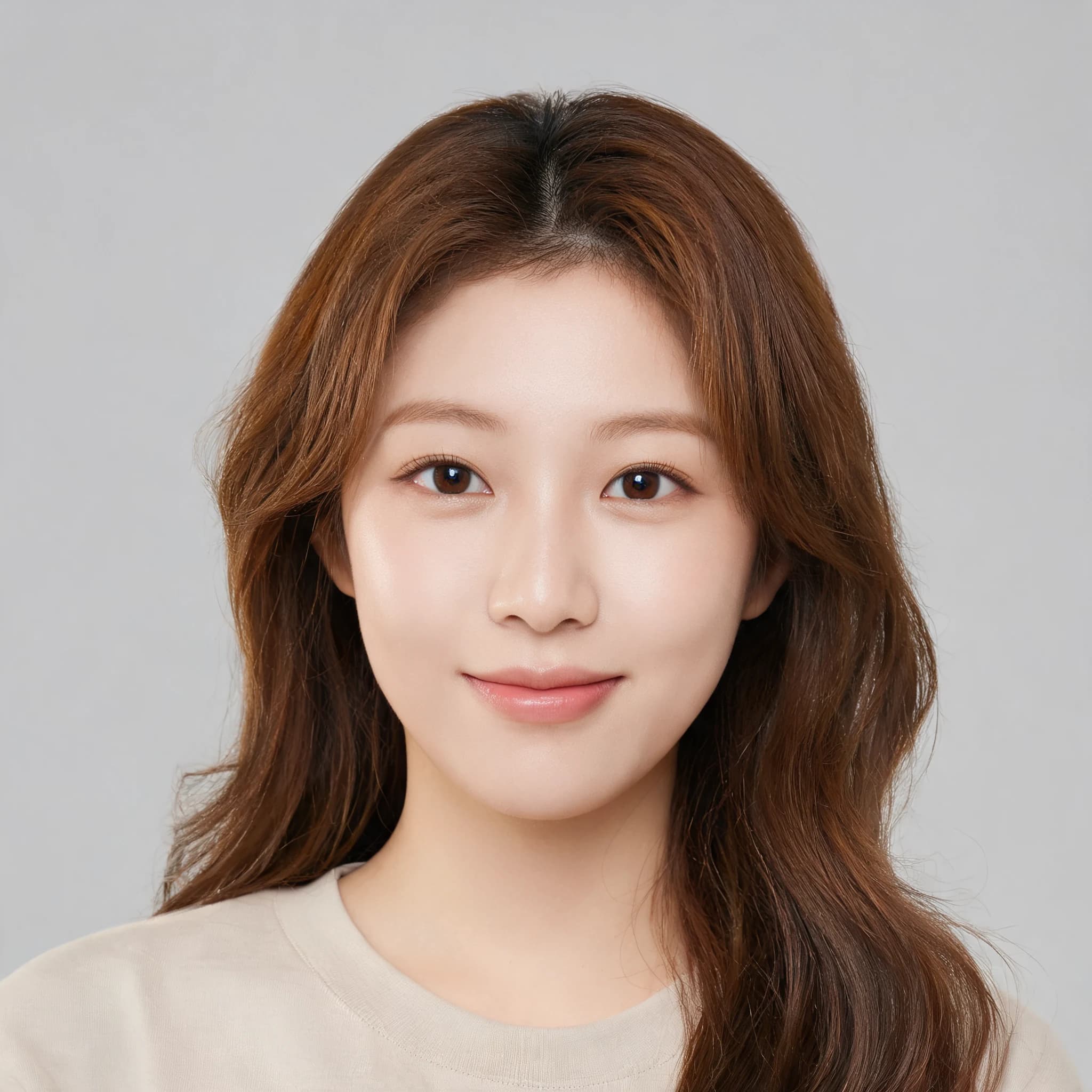
 Before
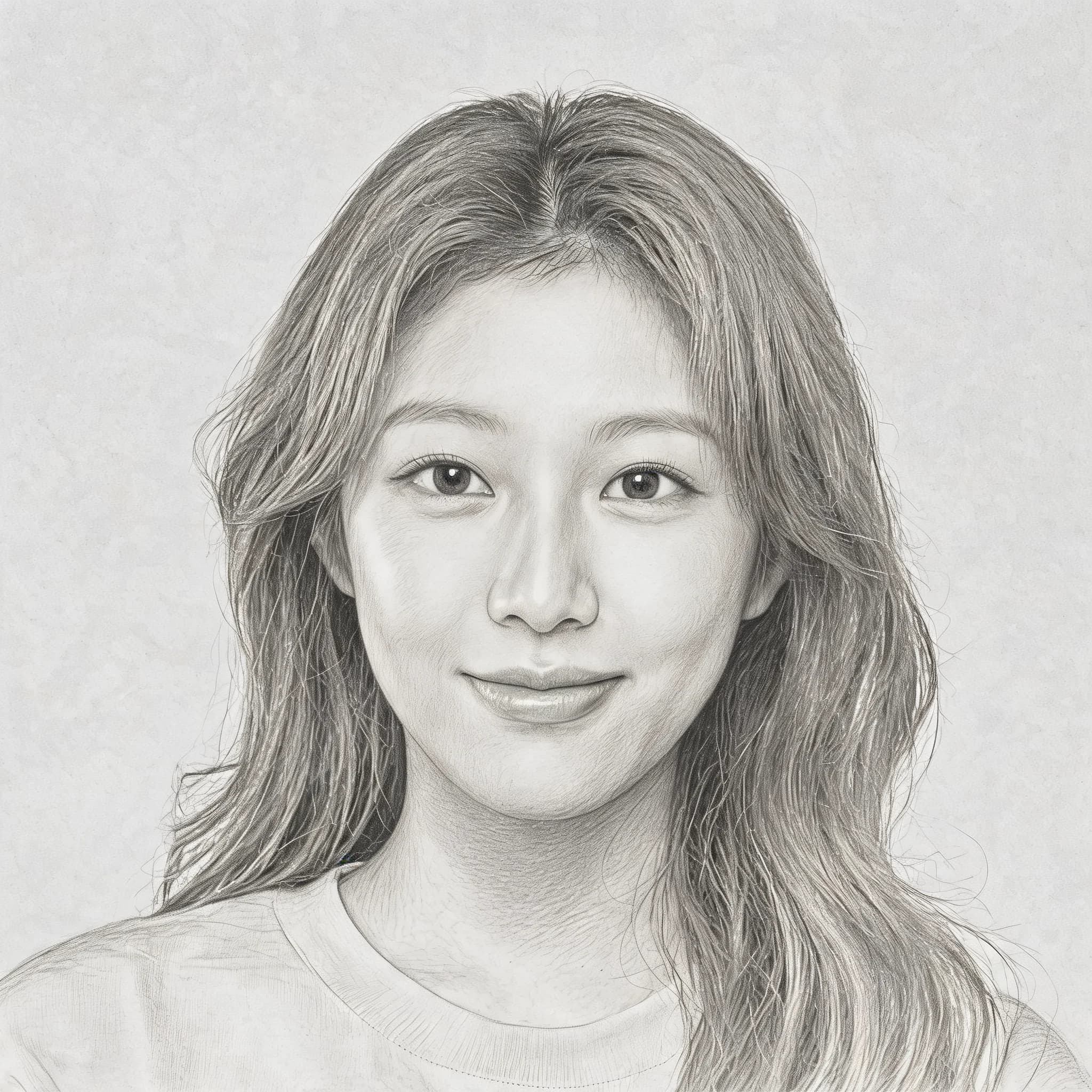 After
AfterPortrait to Pencil Sketch
Pencil Sketch
ドラッグ&ドロップ、またはクリックして選択
アップロードした写真は標準で非公開です。
結果は履歴に保存され、明示的に書き出しまたは共有しない限り公開されません。
Graphite strokes with soft shading
新規アカウントには無料のスタータークレジットがあります。ゲスト生成は無効です。
Upload a portrait, pet, product, or landscape photo, then choose a pencil, ink, charcoal, clean line, or colored pencil sketch style.
This demo uses the same image-to-image flow: the after image is generated from the before photo, not created separately.
BeforeAfterNo sketches generated yet. Upload a photo to get started!
Before and after sketch examples
Each after image is generated from its matching before photo, so the examples show the same workflow users get from the uploader.
BeforeAfterPortrait to Pencil Sketch
Pencil Sketch
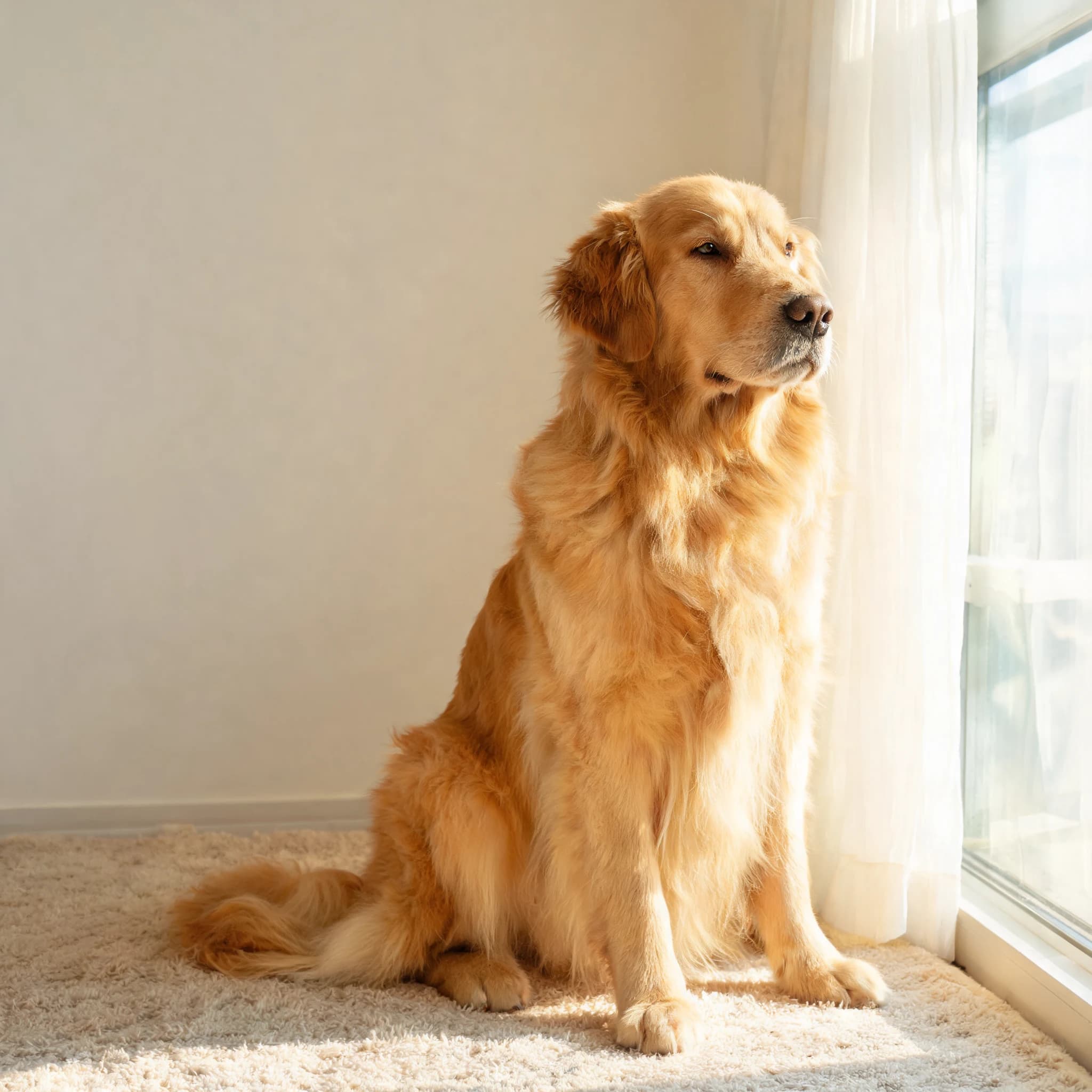 Before
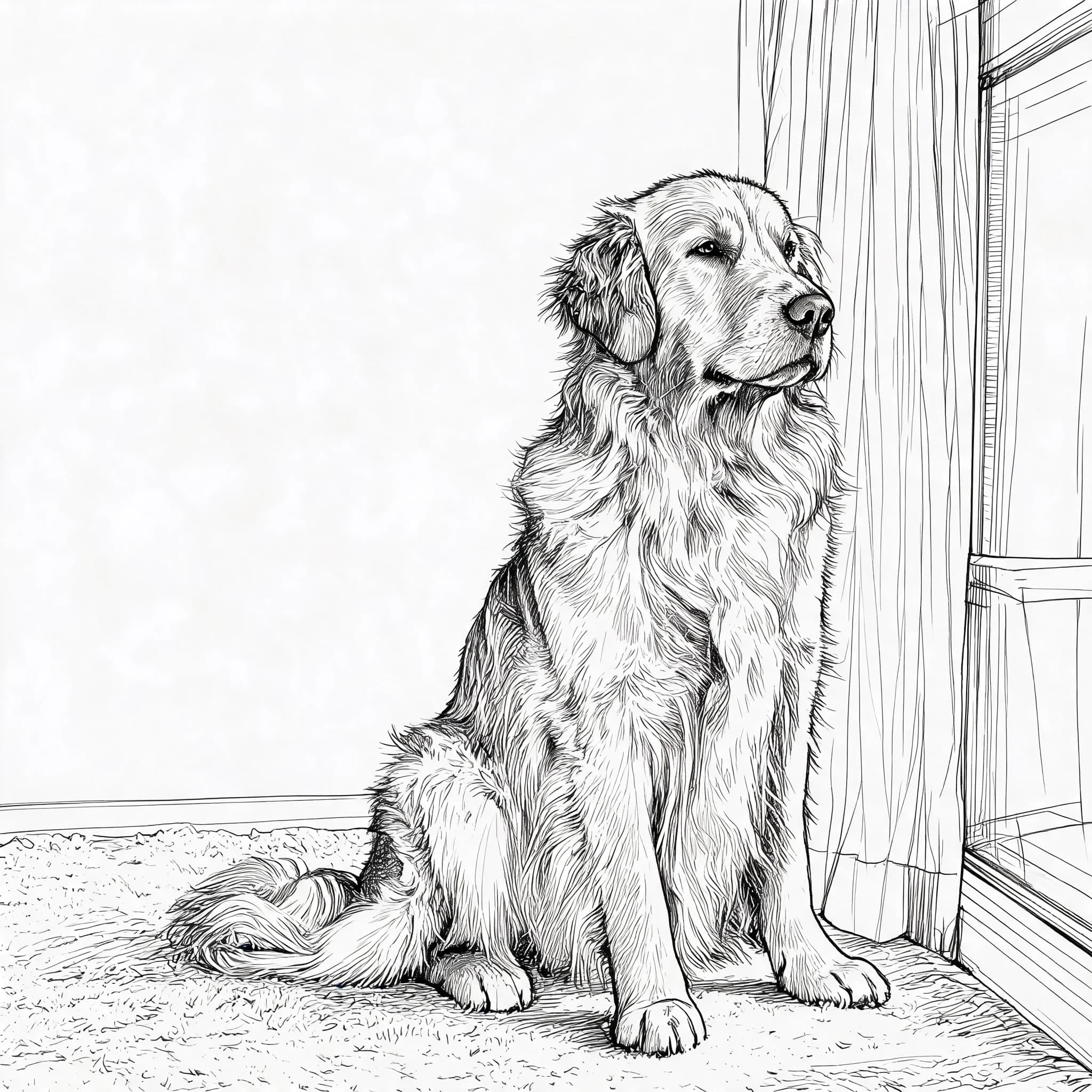 After
AfterPet Photo to Ink Sketch
Ink Sketch
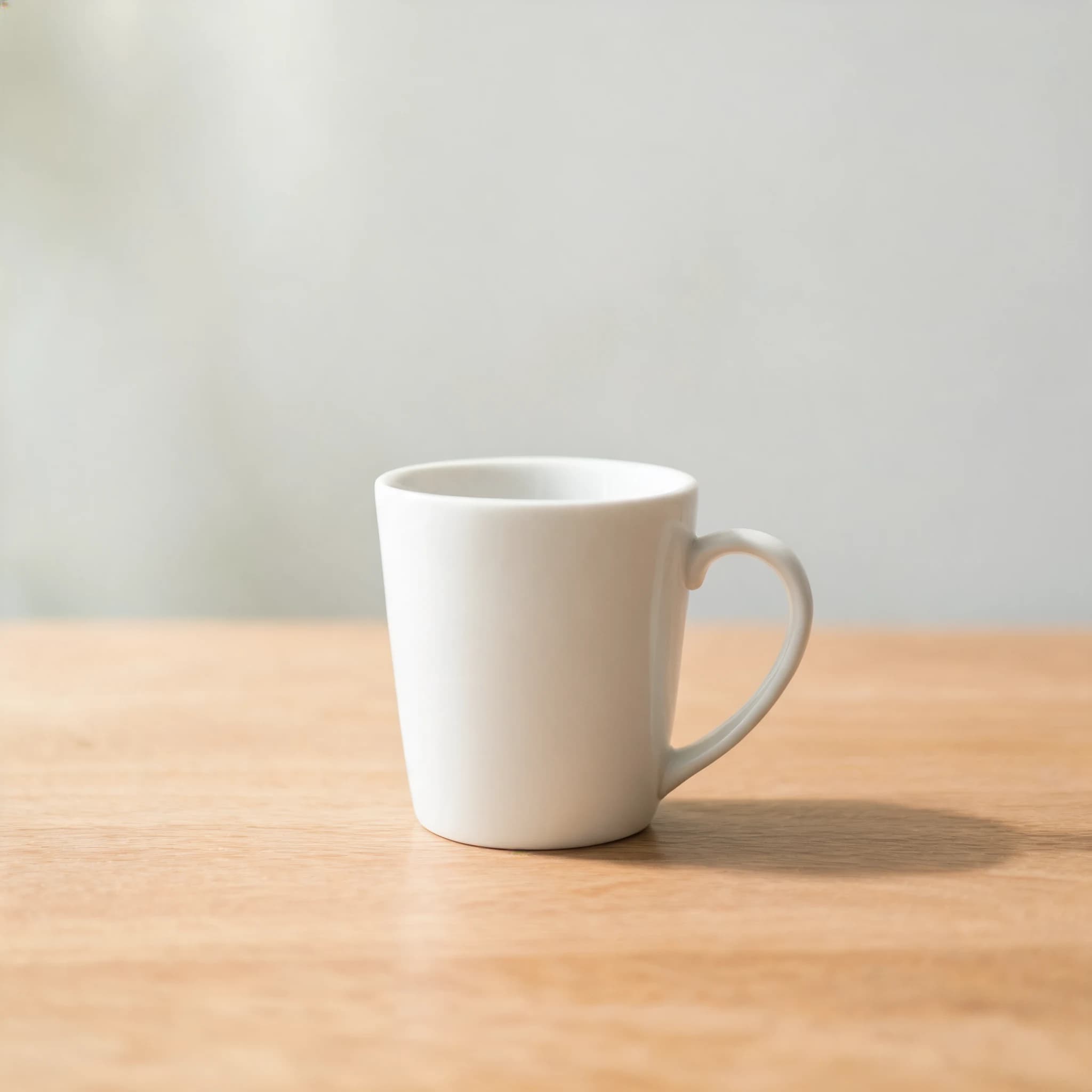 Before
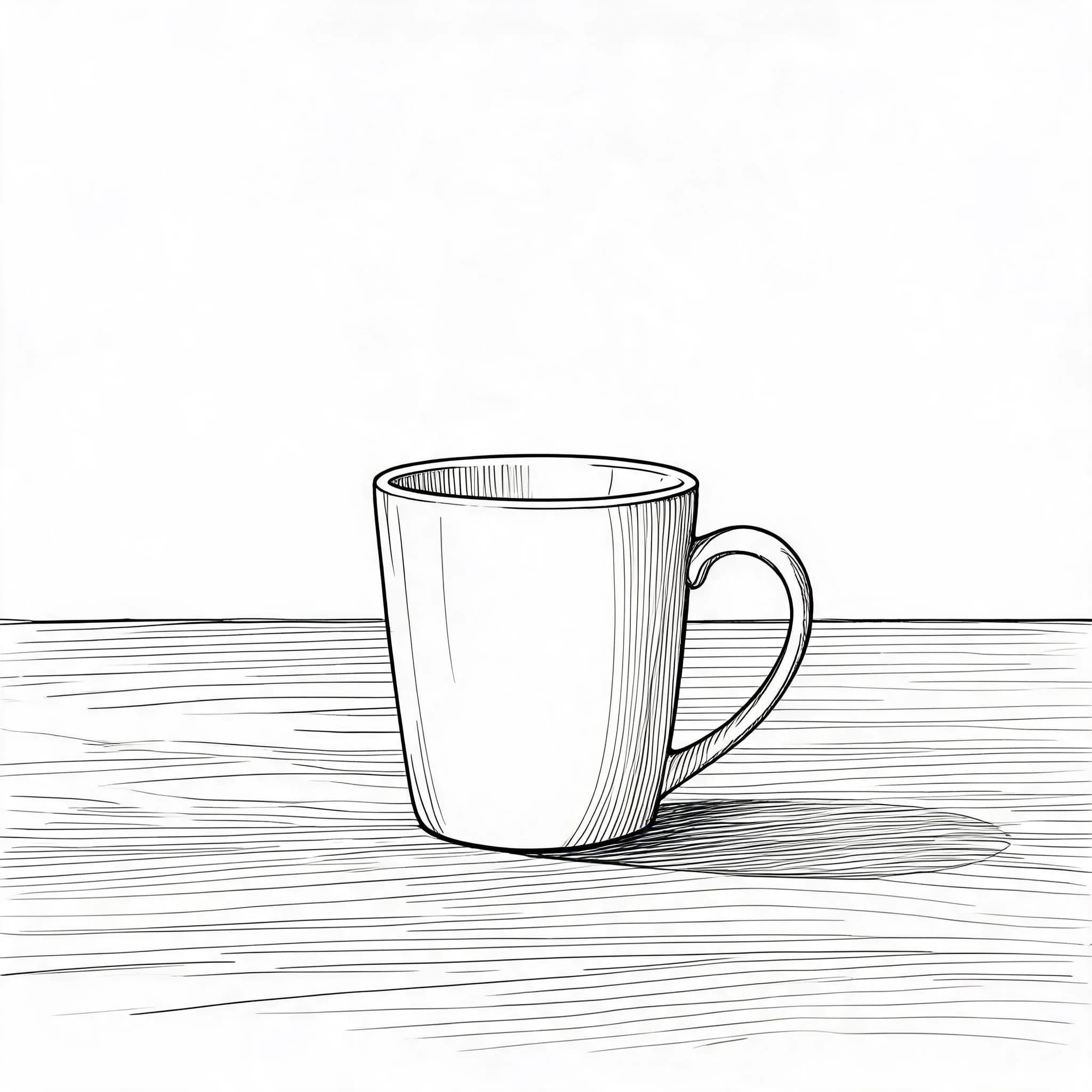 After
AfterProduct Photo to Clean Line Sketch
Clean Line Sketch
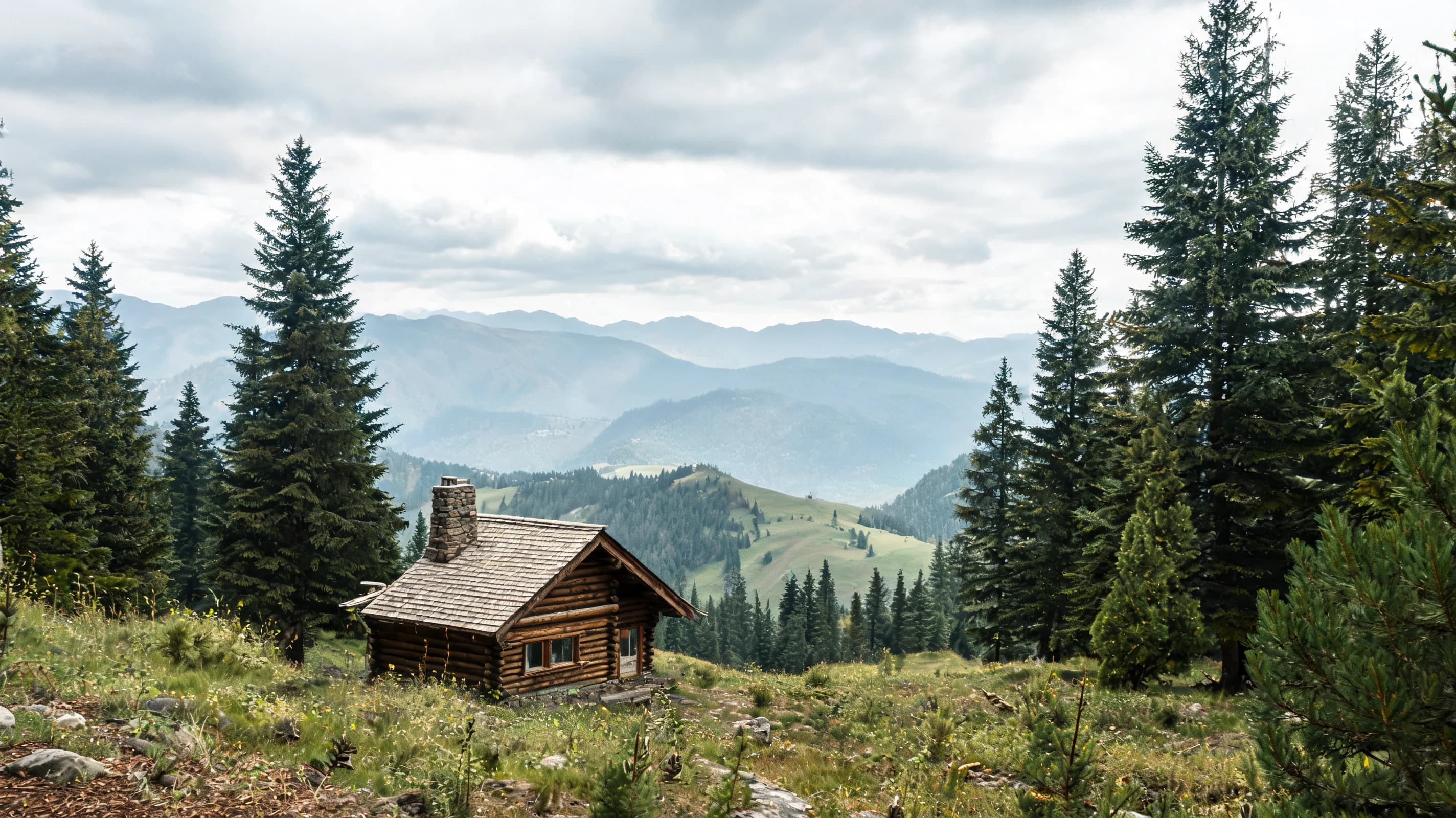 Before
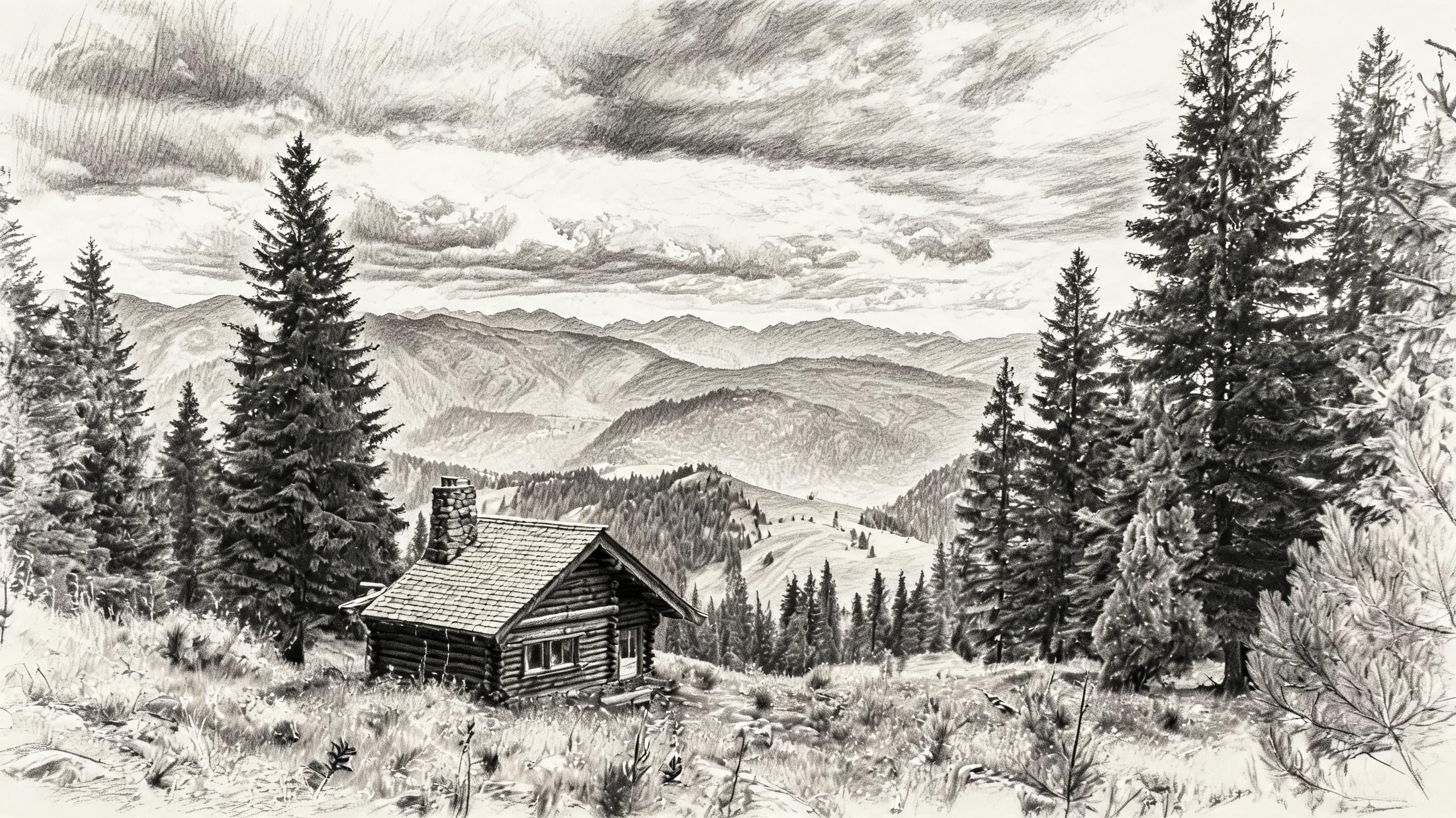 After
AfterLandscape to Charcoal Sketch
Charcoal Sketch
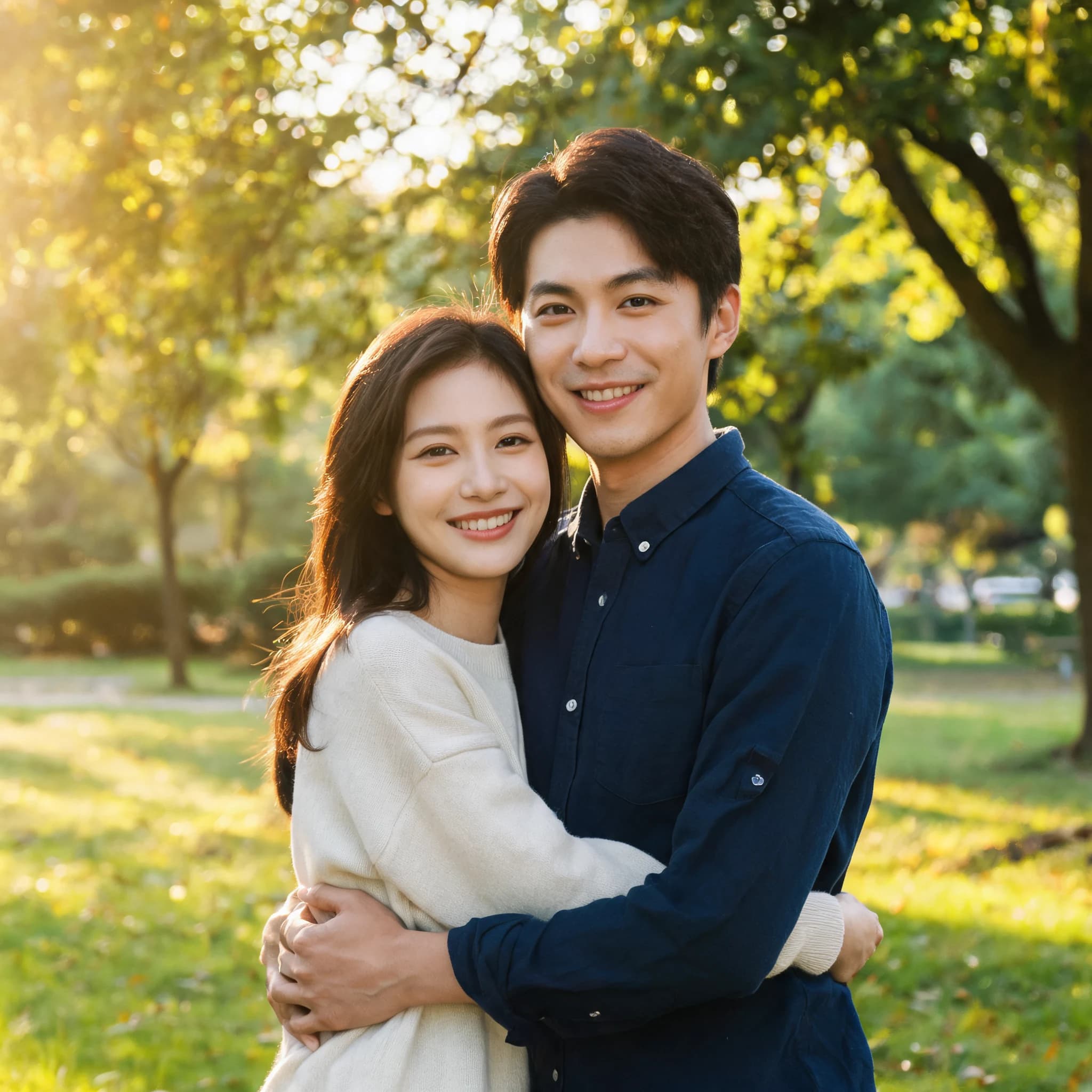 Before
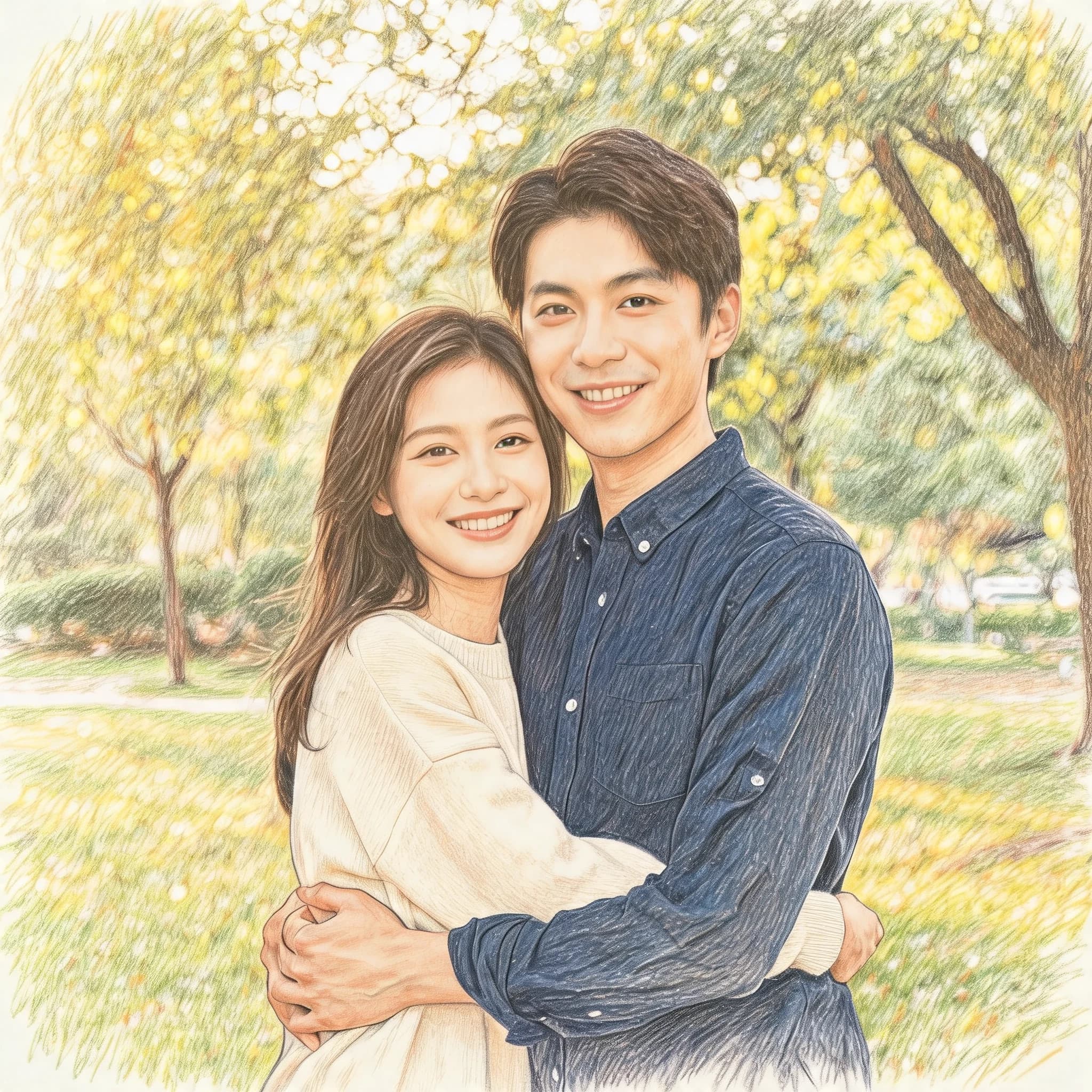 After
AfterCouple Photo to Colored Pencil Sketch
Colored Pencil Sketch
Five sketch styles
The same uploaded photo can become a soft pencil sketch, crisp ink drawing, dramatic charcoal piece, clean outline, or colored pencil artwork.
The default choice for portraits and profile images. It keeps the original structure while adding graphite texture and soft shading.
Best for crisp outlines, tattoo references, comics, and design references that need confident black line work.
A stronger art look for portraits and landscapes where dramatic contrast and visible texture matter.
A simpler outline-focused style that works well for coloring pages, worksheets, and illustration base art.
A softer gift-ready style for family photos, couple photos, pets, and social media posts.
Use cases
Turn profile photos and portraits into a softer hand-drawn look for social posts, gifts, and personal projects.
Convert dog, cat, and animal photos into sketch art that keeps the pose, fur direction, and personality.
Create a sketch base from a photo before practicing proportions, shading, or hand-drawn line work.
Make product photos feel more handmade for lightweight content, craft shops, and visual concepts.
FAQ
Photo to sketch keeps more hand-drawn texture, shading, and pencil or ink character. Line art focuses on clean outlines and is usually better for coloring pages.
Start with Pencil Sketch for portraits and most photos. Use Clean Line Sketch when you want simple outlines, Ink Sketch for crisp pen work, Charcoal Sketch for dramatic contrast, and Colored Pencil for a softer gift look.
Clear, well-lit photos with one main subject work best. Portraits, pets, products, and landscapes with visible edges usually produce cleaner sketches.
Yes. You can download a preview and use HD export options when you need a cleaner print-ready result.